![JGP-logo-KB-1.png]](https://clients.jobsgopublic.com/hs-fs/hubfs/JGP-logo-KB-1.png?height=40&name=JGP-logo-KB-1.png)
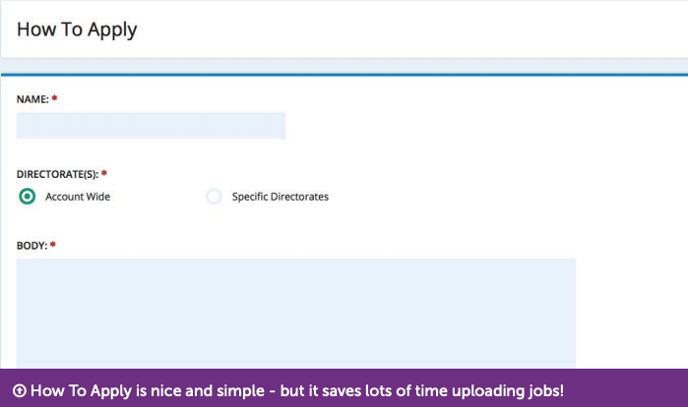
These are standard pieces of text you can add to your vacancies to tell applicants how to apply. To access How to Apply go to Settings > Vacancy Fields > How to Apply.
Name: enter a name for your How To Apply text
Directorates: Select which directorates’ vacancies can use this
How To Apply Body: type or paste the text you’d like to use.